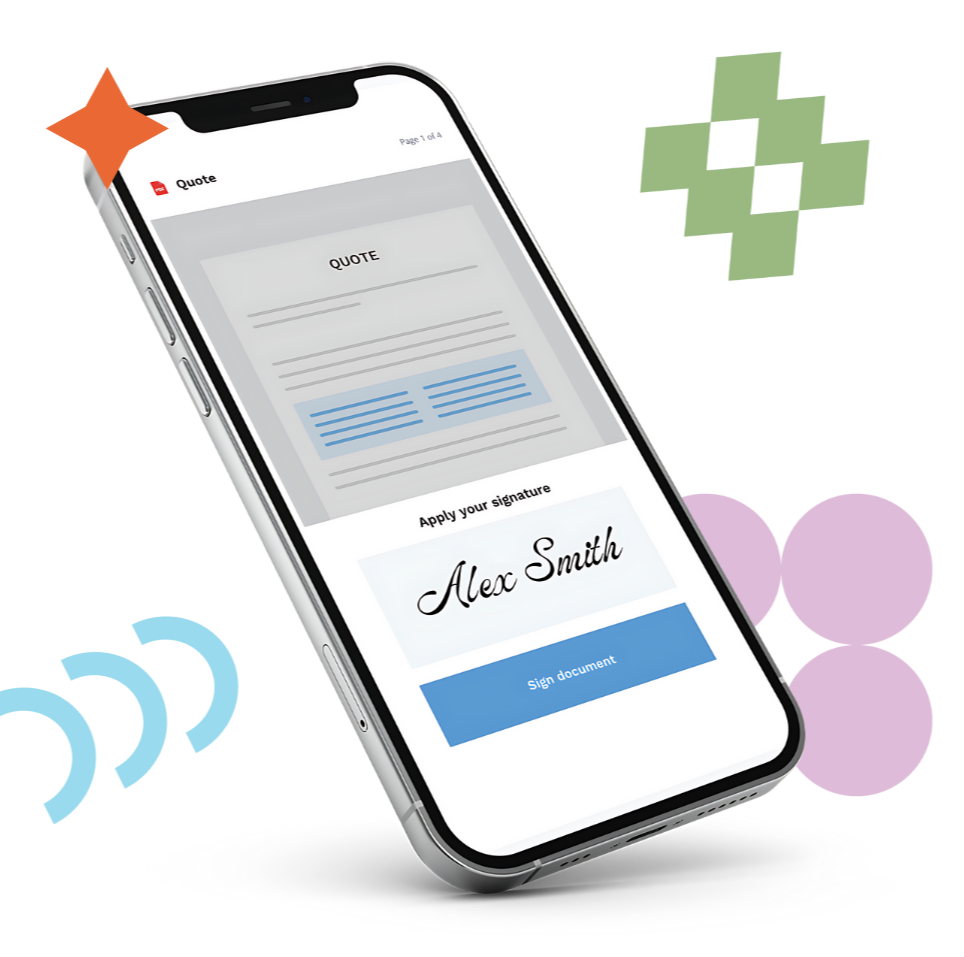
Best DocuSign Alternative for HubSpot Document Generation and e-Signatures

Stop wrestling with sync errors, spotty integrations, hidden costs, and workflow limitations. Switch to S-Docs — a dependable document generation and e-Signature solution built for HubSpot.

jobbie-2-contact jobbie-kh
hero-bottom-shape

Generate, send, sign, and automate contracts, proposals, quotes, and other mission-critical documents in seconds with S-Docs.

S-Docs will give your team a faster, easier, more efficient experience, taking the friction out of your document generation and e-Signature workflows.

What makes us different from DocuSign?

 
Document checkmark icon
No Technical Friction

Replace error-prone manual workarounds, third-party integrations, and sync errors with seamless data merging, no-code templates, and a dependable connection that merges data seamlessly from any HubSpot property or object.


integrate-icon
Complete End-to-End Document Workflows

Go beyond basic e-Signatures with a single solution that handles template creation, dynamic data merging, e-Signing, and syncing completed document data right back into HubSpot.


Money doc iconblue
Predictable Pricing

Scale your business without worrying about fine-print envelope caps, surprise overage fees, or paying extra for essential CRM integrations.


jobbie-green
four-col-bottom

What Makes S-Docs the Clear Choice Over DocuSign

S-Docs is built for HubSpot teams that want fast, easy, and flexible document automation and e-Signature tools.

CursorClick
Quick Time to Value

Bypass the broken field mappings and "partially connected" sync errors typical of DocuSign’s integration by launching a reliable, deeply embedded HubSpot document workflow in minutes.


FolderSimpleStar
Savvy, Quick Support

Stop dealing with vendor finger-pointing over broken CRM integrations, and get immediate help from our dedicated team of experts.


Tasks icon
Optimize Your Operations

Consolidate your tech stack by replacing standalone e-signature tools like DocuSign with a complete end-to-end solution that automatically generates templates, merges HubSpot CRM data, captures signatures, and syncs records seamlessly.

Customer group icon
No Envelope Caps and Hidden Upgrades

Say goodbye to DocuSign’s restrictive envelope limits and costly integration add-ons. S-Docs delivers transparent, predictable pricing that scales seamlessly as your document volume grows.


Man at table smiling while working

Still Have Questions About Switching from DocuSign?

 
What makes S-Docs different from DocuSign?

DocuSign is exclusively an e-Signature tool; it cannot generate documents for you. If you use DocuSign, you still need to pay for and manage a separate document creation tool.

S-Docs is a complete document automation platform built to integrate seamlessly with HubSpot. We handle the entire document lifecycle in one unified workflow. With S-Docs, you can pull HubSpot CRM data directly into custom templates, automatically generate the document, send it for a legally binding e-signature, and sync the completed data right back to your HubSpot records — all without hidden envelope limits or add-on fees.

 

What kinds of documents can I generate with S-Docs?

S-Docs is built to handle virtually any document your business relies on. Whether you need to automate complex sales proposals, legally binding contracts, NDAs, quotes, or routine invoices, our platform adapts to your exact workflow. Thanks to our highly customizable template editor, you can easily design and generate exactly what your team needs, no matter the use case.

 
Does S-Docs limit the number of envelopes or documents I can send?

Unlike DocuSign, which strictly caps your sends and frequently hits users with overage fees, S-Docs doesn't nickel-and-dime your workflows. Our pricing is straightforward and designed to let your team send the document volume they actually need to close deals, without suddenly hitting a paywall.

 
Are S-Docs e-Signatures legally binding?

Yes. S-Docs e-Signatures carry the same legal weight as DocuSign e-Signatures. Our e-Signatures are fully compliant with major electronic signature laws, including the US ESIGN Act, UETA, and key international standards. Every signed document includes a comprehensive, legally valid audit trail.

 
Can S-Docs handle the same complex e-Signature needs as DocuSign?

Absolutely. S-Docs delivers enterprise-grade functionality, and with your documents and workflows in S-Docs, your e-Signature processes instantly become simpler. S-Docs offers real-time visibility and audit trails to ensure things are 

 
Will I still have to manually copy and paste data into my contracts?

Not anymore. One of the biggest frustrations with third-party tools is failed field mapping. S-Docs seamlessly merges data from any standard or custom HubSpot property directly into your templates. If a deal amount or contact name updates in HubSpot, your document automatically reflects the change — no manual data entry required.

 
Where do my documents go once they are signed?

You never have to hunt for a missing contract again. Once your customer signs, S-Docs automatically routes and saves the completed, legally binding PDF directly to the corresponding Contact, Company, or Deal record inside HubSpot.


Is switching from DocuSign to S-Docs a difficult process?

Not at all! S-Docs offers top-tier support and helpful onboarding resources to streamline this process. Our priority is offering a fast, easy, flexible solution, and because of that, you'll be able to get S-Docs up and running in just a few days.

How does S-Docs handle security and compliance?

All of your data is encrypted and deeply integrated with HubSpot. S-Docs is also SOC 2 compliant, giving you the peace of mind that we take data security seriously and have strong measures in place to protect sensitive information.


Can S-Docs handle the same complex e-Signature needs as DocuSign?

Absolutely. S-Docs delivers enterprise-grade functionality, and with your documents and workflows in S-Docs, your e-Signature processes instantly become simpler. S-Docs offers real-time visibility and audit trails to ensure things are compliant and transparent.

What is the pricing model for S-Docs?

Our pricing is simple, straightforward, and built to scale. You only pay for what you need, with no surprise fees or penalties as your usage grows. Fill out our pricing inquiry form to get a quote.

Can I use S-Docs to expand my HubSpot automated workflows?

Yes, S-Docs is designed to integrate with HubSpot automated workflows, making it easy to get the right documents and e-Signature envelopes to the right people at the right time.

Your current FAQs are incredibly strong, but based on the research we reviewed about why people hate DocuSign, there are a few highly specific pain points that are worth addressing head-on.

faq-jobbie
bottom-shape-test
“I don't know what I would have done if I hadn't found S-Docs...They saved the day on a $210,000 investment in a new operating system, start to finish.”
 
Marc Lundgren
Director of Administration | Portsmouth Quality Flooring
jobbie-purple

Ready to see S-Docs in action?

Fill out the form and discover exactly how to transform your document automation process with S-Docs.
 

jobbie1
jobbie1