Best Portant Alternative for Document Generation and e-Signatures in HubSpot

Stop letting Google Workspace dependencies and restrictive credit limits dictate how you run your business. Switch to S-Docs for reliable, flexible, and scalable document generation and e-Signatures.

jobbie-2-contact jobbie-kh
hero-bottom-shape

Why HubSpot Teams Switch from Portant to S-Docs

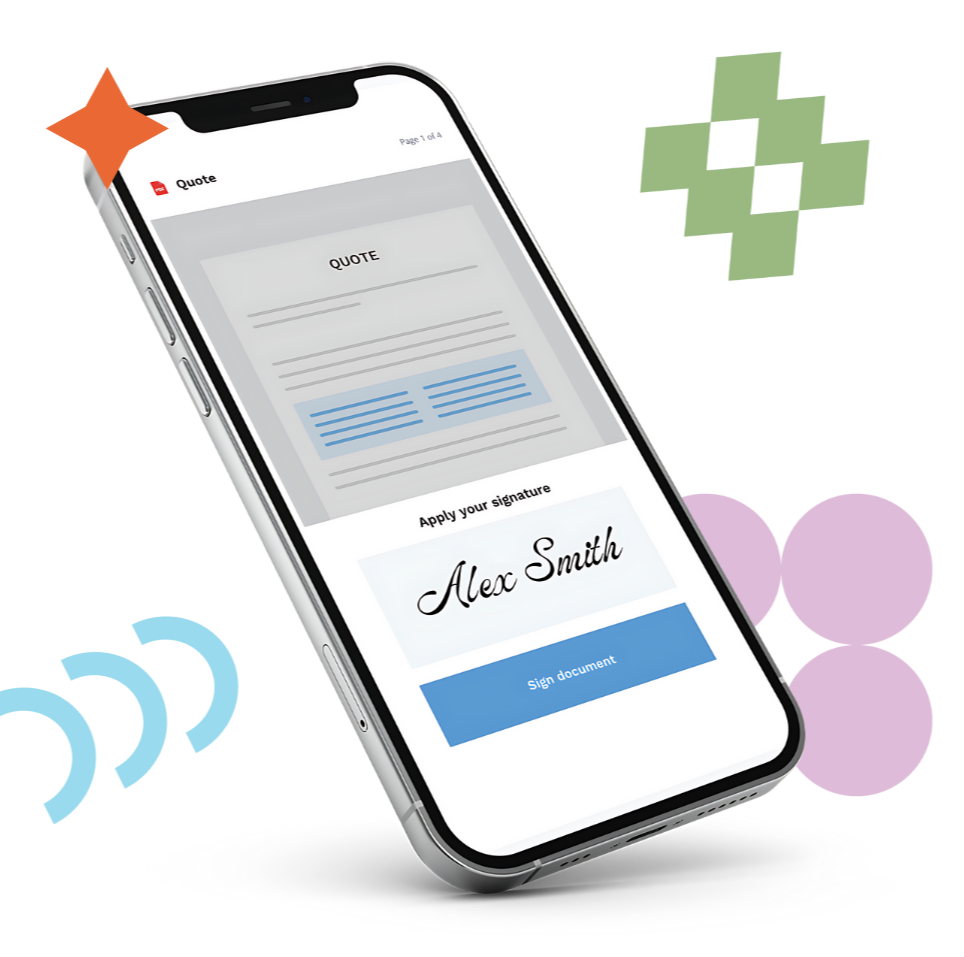
S-Docs will give your team a faster, easier, more efficient experience, taking the friction out of your document generation and e-Signature workflows. You can generate, send, sign, and automate contracts, proposals, quotes, and other mission-critical documents in seconds.

What makes us different from Portant?

 
Document checkmark icon
No External Workspace Dependencies

Portant forces you to build and manage all document templates exclusively through Google Suite or Microsoft Office tools. With S-Docs, all you need is HubSpot to generate documents — no more relying on other ecosystems.


integrate-icon
Reliable Custom Object Mapping

Frustrating, manual setup when mapping Portant to custom HubSpot objects is a thing of the past with S-Docs. Our product is engineered for complex data models, effortlessly merging data from any standard or custom HubSpot property into your templates.


Money doc iconblue
Automated Workflow Integration, Without the Headache

Portant struggles with advanced workflow configurations and conditional logic. Our customers have used S-Docs to automate their multi-step document and e-Signature processes, effortlessly optimizing their most complex use cases.


jobbie-green
four-col-bottom

What Makes S-Docs the Clear Choice Over Portant

S-Docs is built for HubSpot teams that want fast, easy, and flexible document automation and e-Signature tools.

CursorClick
No Credit Caps or Pricing Games

Say goodbye to surprise fees, restrictive monthly credit limits, and confusing tier upgrades. With S-Docs, you get straightforward pricing that scales with your growth.


FolderSimpleStar
Fast, Expert Support

Stop waiting days for an email reply. Our dedicated, U.S.-based support team is highly versed in HubSpot and ready to help your team navigate complex workflows with zero friction.


Tasks icon
Built for High-Volume Performance

Stop dealing with the platform slowdowns. S-Docs is engineered to reliably process massive daily volumes of documents, keeping your sales pipeline moving instantly.

Customer group icon
A Leaner, More Connected Tech Stack

Why pay for and manage multiple fragmented tools just to send a contract? S-Docs gives you end-to-end document automation and e-Signature in a unified platform, reducing data silos and simplifying approvals.


Man at table smiling while working

Still Have Questions About Switching from Portant?

 
What makes S-Docs different from Portant?

While Portant is a lightweight tool for basic document needs, S-Docs is built to handle complex, high-volume workflows without the friction. Here is how we compare:

  • Template Freedom: Portant restricts you to building templates within Google Workspace. S-Docs features a flexible editor with no third-party platform lock-in.
  • No Usage Penalties: Portant operates on a credit system with monthly caps. S-Docs offers predictable pricing so you can scale document generation without surprise fees.
  • Reliable HubSpot Integration: Portant users often cite that it’s a struggle to map custom HubSpot objects. S-Docs was built to streamline this process, merging data flawlessly from any HubSpot object into your documents and syncing e-Signature data automatically to the specific object. 
What kinds of documents can I generate with S-Docs?

S-Docs is built to handle any document your organization needs — from proposals and quotes to legally binding contracts and NDAs to invoices, and so much more. Thanks to our highly customizable template editor, you can easily upload your own PDFs or design and generate exactly what your team needs, no matter the use case.

 
Is switching from Portant to S-Docs a difficult process?

Not at all! S-Docs offers dedicated support and helpful onboarding resources to streamline your switch. Our priority is offering a fast, easy, flexible solution, and because of that, you'll be able to get S-Docs up and running quickly.

 
How does S-Docs handle security and compliance?

All of your data is encrypted and deeply integrated with HubSpot. S-Docs is also SOC 2 compliant, giving you the peace of mind that we take data security seriously and have strong measures in place to protect sensitive information.

 
Can S-Docs handle the same complex e-Signature needs as Portant?

Absolutely. S-Docs delivers enterprise-grade functionality, and with your documents and workflows in S-Docs, your e-Signature processes instantly become simpler. S-Docs offers real-time visibility and audit trails to ensure things are compliant and transparent.

 
What is the pricing model for S-Docs?

Our pricing is simple, straightforward, and built to scale. You only pay for what you need, with no surprise fees or penalties for growing your usage. Fill out our pricing inquiry form to get a quote.

 
Can I use S-Docs to expand my HubSpot automated workflows?

Yes, S-Docs is designed to integrate with HubSpot automated workflows, making it easy to get the right documents and e-Signature envelopes to the right people at the right time.


faq-jobbie
bottom-shape-test
“I don't know what I would have done if I hadn't found S-Docs...They saved the day on a $210,000 investment in a new operating system, start to finish.”
 
Marc Lundgren
Director of Administration | Portsmouth Quality Flooring
jobbie-purple

Ready to see S-Docs in action?

Fill out the form and discover exactly how to transform your document automation process with S-Docs.
 

jobbie1
jobbie1