.png)


Key Takeaways
-
Start with the business need behind your AppExchange search, not the app category itself.
-
Build an evaluation process using reviews, demos, peer feedback, Salesforce resources, vendor materials, and analyst perspectives.
-
Look closely at whether an app is truly Salesforce-native, since “native” can mean different things depending on the vendor.
-
Compare practical factors like cost, mobile access, language support, implementation time, training needs, support quality, and scalability.
-
Treat AppExchange ranking and popularity as useful signals, but not proof that an app is the right fit.
Before installing an app, understand how it fits into your Salesforce org, security model, permissions, workflows, and long-term business needs.
The Salesforce AgentExchange (formerly AppExchange) has well over 9,000 partner apps and expert listings. While this number may seem small when compared the App Store or Google Play, it is the “world’s largest business applications marketplace” and all of its apps are built specifically for the customers of one company.
Sure, when you narrow down the apps based on a business need, the numbers become more manageable. But, the volume can still be overwhelming. For example, a “document generation” search returns 1,000+ apps. Some free. Some native. Some new. Some old.
What should you consider as you evaluate the best option for you and your business? In this article, we’ll give you tips and best practices to consider as you dive in.
What Business Need Initiated Your AppExchange Search?
Determining the answer to this question will set you on the right path to selecting what app works for you. It could be one business need or a combination or many. Perhaps you’re starting a new project. Or maybe there’s been a problem with an existing process. Maybe a new person joined your team and has a better way of doing things, and wants to add an app they like.
Identifying your needs will help guide your app selection to address the right need.
Develop an Evaluation Process
Selecting an app from a list without doing research can cause a lot of headaches down the road. Fortunately, you have a lot of great tools at your fingertips that have mountains of information to offer.
Start with Google. Find reviews to see what others have to say. Blogs also offer a plethora of information that can help provide other perspectives. When you're at Dreamforce or other trade shows, ask questions to hear feedback from your peers and check out the different booths. .
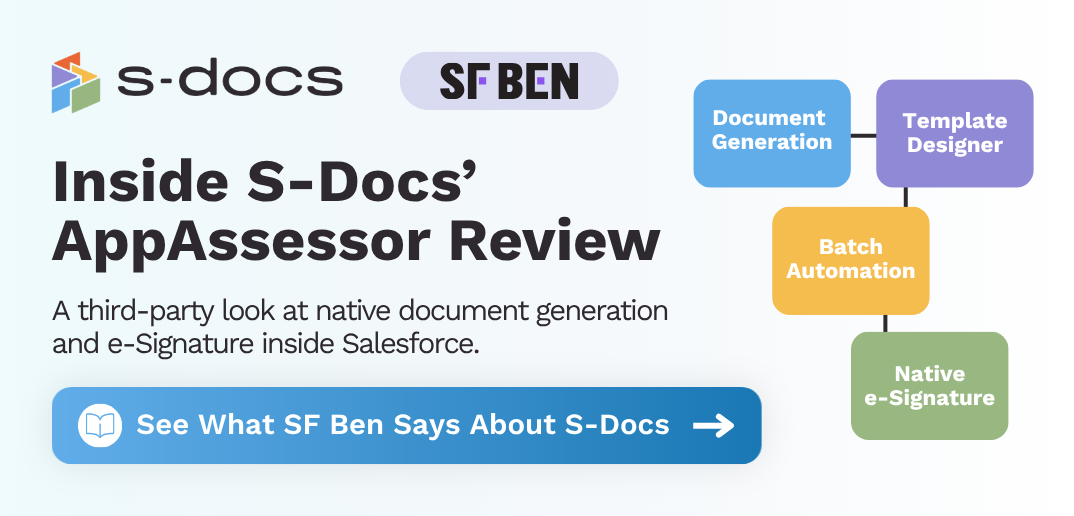
Salesforce also has a number of great resources from user groups, community events, webinars and Trailhead courses and online training.
G2 provides a repository of over 500,000 user reviews for business software and services. Analyst firms can provide a well-versed take.
If you have the time and budget, consider engaging with an industry analyst firm. Analysts generally have a broad understanding of services and apps, new technology, and offer fantastic insight into what will make sense for your needs. That said, remember that analysts often have relationships with the apps and companies you’re considering. So while their advice is extremely valuable, it should never be the only source you consider.
Incorporating research from different sources will provide you with different takes and a well-rounded picture.
As part of that research, make sure your Salesforce admin, IT, or security team reviews what data the app can access, what permissions it requires, and whether it has completed Salesforce’s AppExchange security review.
Factors To Take Into Consideration
Once you outline your business needs and evaluation process, there are a number of different things to keep in mind as you make your decision.
- Is it a native app? These are built 100% on Salesforce, which provides benefits for the user. In addition, native apps are more secure, much faster, easier to use and are generally more cost effective.
- Understand how companies define “native”: Apps will advertise with a mention that they’re native. Most of the time, they mean user experience (ie: not leaving Salesforce) as opposed to the app being built directly on the Salesforce platform. If that’s the case, benefits mentioned above, like security, won’t be the same.
- For teams evaluating document generation, e-Signature, or other process-critical Salesforce apps, “native” is more than a convenience label. It can affect where data is processed, how much integration work is required, how easily the app fits into existing Salesforce permissions and governance, and how confident your team can be during security review. Before choosing an app, ask whether it is truly built on the Salesforce Platform or simply connected to Salesforce through an external system.
- How much does it cost? Some apps are free, some have a price tag attached, and some have free trials with the opportunity to upgrade. Will a free app work for you or will you need to pay for an upgrade? Is it in your budget to pay for an app? Consider apps that offer a free trial.
- Is the app mobile-friendly? Does your team need to have access to the app anywhere, anytime, even from a phone?
- Are different languages available? Is it important that an app is offered in more than one language?
- Is the app in the top 10 of the AppExchange? Pay attention to where the app appears in search results, but treat ranking as one signal, not the full story. Reviews, documentation, security posture, implementation fit, and hands-on testing matter more than placement alone.
Find Out What It Will Take To Set Up and Implement
Bringing on any new tool takes time. Training is necessary and requires integration with your current system and processes. Needless to say, know what you’re getting yourself into before you make a decision.
Lots of factors come into play when digging through the thousands of apps to find those that will make an impact on your company. Be thorough in your research and know how to properly evaluate apps on the AppExchange.

.png)